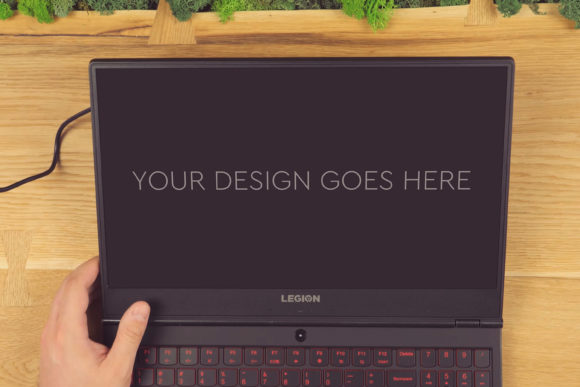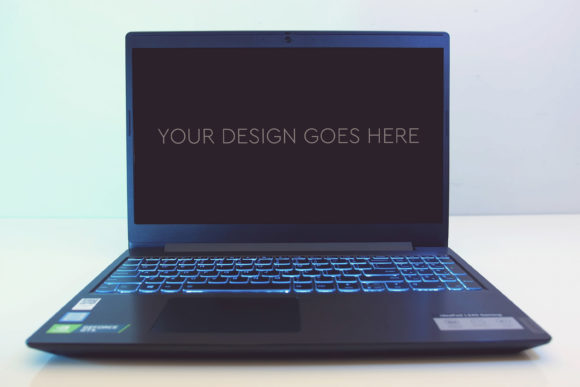
Gaming Laptop Mockup 12 for Professional Design Presentation
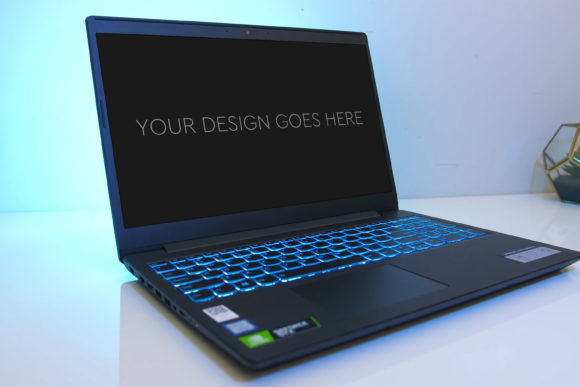
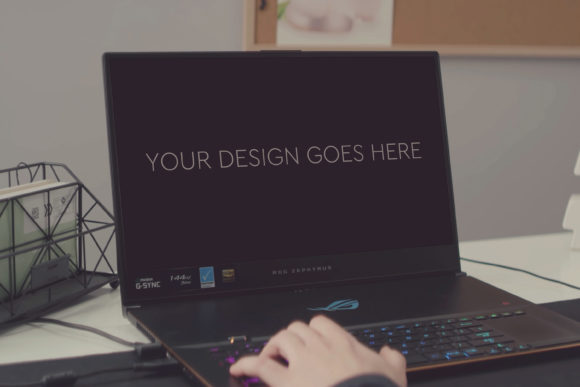
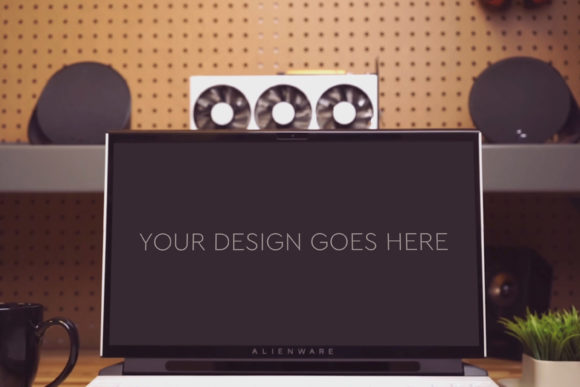
In the world of design, how you present your work can be just as critical as the work itself. A simple screenshot or flat graphic lacks the context and polish that makes a client, customer, or audience truly believe in your concept. That’s where Gaming Laptop Mockup 12 comes in. It’s not a physical laptop; it’s a meticulously crafted digital template. Specifically, it’s a high-quality Photoshop file that allows you to place your own design onto a photorealistic image of a stylish gaming laptop screen.
Why a Mock-Up Matters for Your Digital Work
Think about the last time you saw a website or app design presented as just a wireframe. It’s functional, but it doesn’t spark excitement. Placing that same design into a realistic environment, like the screen of a powerful gaming laptop, instantly elevates it. It gives your creation a sense of place, purpose, and tangibility. This mock-up solves a common problem for designers, marketers, and creators: the need to showcase digital work in a compelling, client-ready format without spending hours on complex photo compositing or 3D rendering.
Gaming Laptop Mockup 12 is built for efficiency and quality. The core promise is simplicity: you pop in your design or screenshot, and everything is automatic. The file uses Photoshop’s Smart Object technology, which means you only need to double-click a specific layer, paste your design, and save. The mock-up then seamlessly integrates your work, applying the correct perspective, lighting, and screen reflections automatically. This is a game-changer for beginners who might be intimidated by advanced Photoshop techniques, as well as for professionals who value speed and consistent results.
Key Features That Deliver Professional Results
Let’s look at what you specifically get with this mock-up resource. It contains one layered and grouped PSD file. This organization is crucial. Every element of the laptop image—the screen, the keyboard, the chassis, the background shadows—is on its own layer, neatly grouped. This gives you control. If you wanted to slightly adjust the angle of the screen glow or change the background tint, you could do so easily because the file is not a flattened image.
The technical specifications ensure your final presentation is stunning. The mock-up is 3000x2000 pixels at 300 DPI, which is a large, print-ready resolution. This means your final image will be sharp enough for portfolio websites, high-resolution client PDFs, or even printed marketing materials. Additionally, beautiful photo filters are included within the file. These are not heavy, destructive effects, but subtle adjustments that enhance the overall mood and professionalism of the final composite, giving you polished results without extra work.
Real-World Applications Across Many Fields
The utility of Gaming Laptop Mockup 12 extends far beyond just graphic design circles. Consider a freelance web developer pitching a new site to a gaming company. Showing the homepage mock-up on this laptop’s screen immediately aligns the design with the client’s brand and tech-savvy audience. A blogger creating content about software tutorials could use this mock-up to make their featured images more engaging and realistic.
For entrepreneurs and small business owners, this tool is invaluable for marketing. Imagine creating an advertisement for your new productivity app. A screenshot on a generic white background is forgettable. The same screenshot presented on the sleek, vibrant screen of this gaming laptop suggests power, performance, and modernity. Educators and trainers can use it to create compelling course materials or presentations that visually anchor software lessons in a familiar device context.
Even casual users and hobbyists running a side project can benefit. If you’re designing a logo for a friend’s gaming channel, presenting it within this mock-up on your portfolio page demonstrates a level of finish and thoughtfulness that sets you apart. It turns a simple digital asset into a presentation-ready visual story.
Important Considerations Before You Begin
While Gaming Laptop Mockup 12 is designed to be very easy to use, having access to Adobe Photoshop is a prerequisite. The file is a PSD and relies on Photoshop’s Smart Object functionality. Other software like Affinity Photo or GIMP may open the file, but the automatic "pop-in" ease might not work as seamlessly. Ensure you have a compatible version of Photoshop.
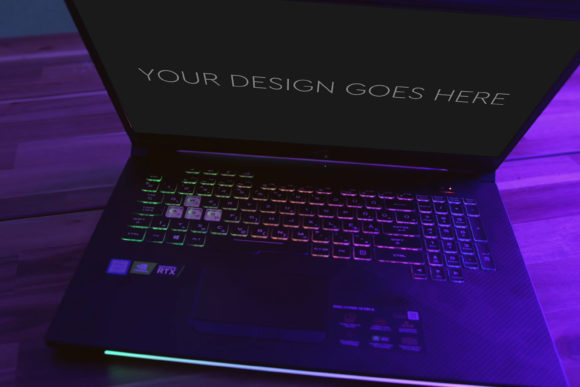
Also, think about the context of your design. This mock-up features a distinct gaming laptop aesthetic—often with angular designs, vibrant accents, or backlit keyboard effects. It’s perfect for projects related to technology, gaming, entertainment, software, or bold modern brands. It might be less suitable for a design meant to convey extreme minimalism or classic elegance, where a different device mock-up would be more appropriate. Choosing the right mock-up environment is part of the visual narrative.
Unlocking Your Creative Presentation Potential
Ultimately, this resource is about empowerment. It removes a technical barrier between a good design and a great presentation. By using Gaming Laptop Mockup 12, you invest a few minutes to gain hours of perceived value. Your work looks like it belongs in a professional context, which builds confidence with your viewers and clients. Whether you are building a portfolio, pitching a project, or creating marketing assets, this mock-up provides a reliable, high-quality foundation.
The layered PSD structure also offers a learning opportunity for those new to Photoshop. Exploring how the groups are organized can provide insights into professional compositing techniques. You can see how shadows, highlights, and filters are applied to create realism, knowledge you can apply to your own future projects.
In a digital landscape where visual appeal is paramount, having tools that streamline quality output is essential. Gaming Laptop Mockup 12 is exactly that: a straightforward, powerful tool that helps a wide range of individuals—from beginners to professionals—present their digital creations with the impact and professionalism they deserve.