The Magic of Mockups: How a Gaming Laptop Mockup Can Elevate Your Design Work
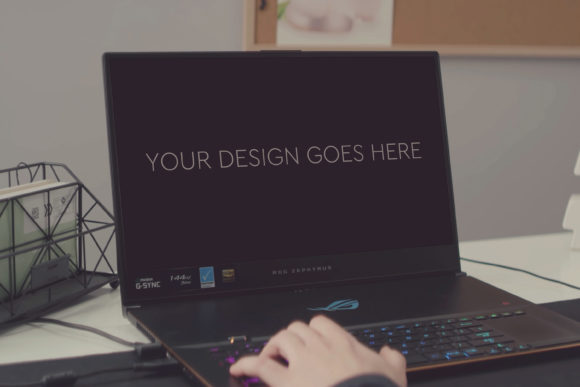
In the world of digital design, creating a beautiful interface or a stunning graphic is only half the battle. The other half is presenting it in a way that feels real, tangible, and compelling. This is where the often-underestimated power of a mockup comes into play. Imagine you've designed a sleek new game launcher interface. Seeing it flat on a screen is useful, but seeing it applied to the glowing keyboard and vibrant display of a high-end gaming laptop? That’s transformative. Today, we're exploring a specific tool: the Gaming Laptop Mockup 23. More than just a file, it’s a gateway to professional presentation, and understanding its role unlocks a crucial skill for designers, marketers, and creatives alike.
What Exactly Is a Mockup, and Why Do We Need Them?
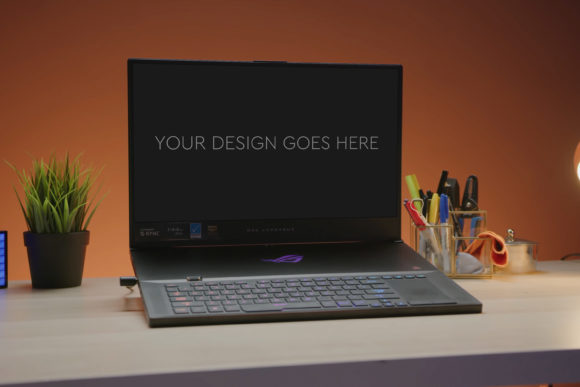
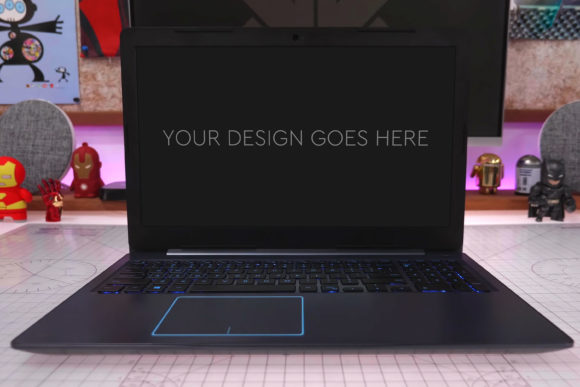
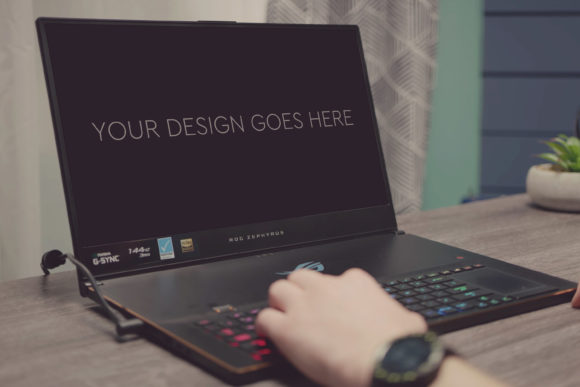
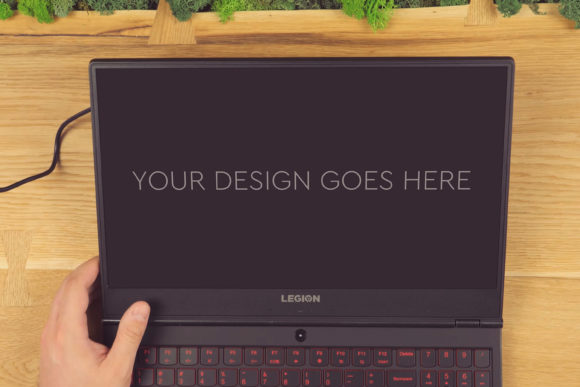
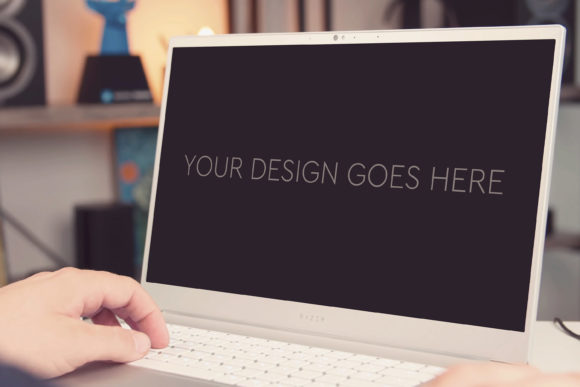
Let’s start from the ground up. A mockup is a photorealistic template used to showcase a design in a realistic environment. It’s not the final product, but a representation—a simulation of how that design would look in real life. Unlike a prototype which focuses on functionality, a mockup emphasizes appearance and context. Think of it as the stage for your design’s performance. The "Gaming Laptop Mockup 23" is precisely this: a high-quality image of a gaming laptop, crafted to serve as that stage.
Its purpose is profound yet straightforward: to provide context and credibility. A website dashboard looks different in a browser window than it does on a device screen. A social media ad feels more potent when placed in a real feed. By placing your design onto a mockup, you instantly answer critical viewer questions: Where will this be seen? How will it be used? Does it look natural? This context bridges the gap between abstract creation and practical application, making your work understandable not just to clients, but to stakeholders, team members, and even yourself during the review process.
The Significance of Device-Specific Mockups: The Gaming Laptop Example
Choosing the right mockup is like choosing the right frame for a painting. A gaming laptop mockup isn't just any device; it speaks to a specific audience and a specific vibe. Gaming laptops are associated with power, high-performance displays, vibrant colors, and a dedicated community. Placing your design—be it a game UI, a streaming overlay, a software promotional graphic, or even a futuristic wallpaper—on this context immediately associates it with those qualities. It tells the viewer, "This design lives in a world of high tech and immersive entertainment." This targeted context is invaluable for resonating with the right users and communicating your design’s intended niche.
Breaking Down the Gaming Laptop Mockup 23: A Toolkit for Professionals
The description of this mockup gives us a clear blueprint of what a professional-grade asset provides. It highlights features that are the cornerstone of a useful mockup for modern design workflows.
- The Photoshop PSD File: This is the core. A PSD (Photoshop Document) file is layered, meaning every element—the laptop screen, the keyboard, the background shadows, the device body—is separate. This structure is non-destructive; you don’t paint over the original image. Instead, you work with its components.
- Smart Object Integration for "Automatic" Magic: The phrase "simply pop in your design" points to the use of Smart Objects. A Smart Object is a layer that preserves an image's source content. In this mockup, the laptop screen layer is likely a Smart Object. You double-click it, paste your design, save, and it automatically scales and fits into the screen’s perspective and lighting. This "automatic" process eliminates tedious manual resizing, warping, and blending.
- Layered and Grouped Organization: High-quality mockups are meticulously organized. Layers are grouped logically (e.g., "Device," "Background," "Effects"), making navigation easy even for beginners. This clarity saves time and reduces frustration.
- High Quality & Technical Specs: "Size 3000x2000px at 300dpi" guarantees print-ready resolution and crisp detail. This means your presentation will look sharp on portfolios, pitch decks, and even large prints.
- Beautiful Photo Filters Included: These are pre-adjusted color and lighting effects applied to the base photograph to give it a certain mood—perhaps a cool blue glow, a warm ambient light, or a dramatic shadow. They provide stylistic choice without needing advanced photo-editing skills.
Together, these features transform the mockup from a static image into a dynamic, easy-to-use tool. It empowers designers to focus on their design’s impact, not the technical hurdles of presentation.
The Practical Relevance: Where Mockups Fit in Modern Creative Life
Mockups like the Gaming Laptop Mockup 23 are not niche tools; they are integral across various fields. Their practical relevance is vast.
In Business & Marketing
For marketing teams, a mockup is a persuasion engine. Imagine presenting a new ad campaign for a gaming accessory. Using a mockup to show that ad perfectly rendered on a gaming laptop screen in a realistic setting makes the concept tangible for clients. It builds confidence that the final product will look integrated and professional. It turns a concept into a near-final visual, speeding up approval cycles and reducing misunderstandings.
In Design & UI/UX Work
For UI/UX designers, context is everything. User experience is deeply tied to the device. Testing and presenting a game interface on a generic screen versus on a mockup of the actual target device can reveal issues with scale, color contrast under device lighting, and visual hierarchy. It’s a vital step in the design thinking process, ensuring the interface feels native to its environment.
In Education & Learning
For students and learners, such mockups are excellent educational tools. They demystify the process of professional presentation. By using a pre-built, well-structured PSD, a beginner learns about layer management, Smart Objects, and the importance of contextual presentation in a hands-on, practical way. It provides a professional result early in the learning journey, boosting confidence and understanding.
In Daily Creative Activities
Even for hobbyists, social media content creators, or portfolio builders, a high-quality mockup elevates personal projects. A digital artist can showcase their artwork as if it’s being viewed on a premium device. A streamer can design overlays and test them in a realistic scene. It adds a layer of polish that separates amateur-looking presentations from professional ones.
Clarifying Common Misunderstandings
Two key assumptions often need addressing when discussing mockups.
First, mockups are not just for "final" presentations. They are useful throughout the design process. Early-stage mockups can help validate a direction; they are a tool for exploration, not just a final showcase.
Second, using a mockup does not make your design "fake" or deceptive. It is a tool for honest communication. It honestly asks, "If my design existed in the real world, how would it look?" It’s about providing the most accurate preview possible, not creating a false illusion. The goal is clarity, not trickery.
Building a Broader Understanding: The Mockup as a Communication Bridge
Ultimately, tools like the Gaming Laptop Mockup 23 serve a higher function than mere aesthetics. They are bridges for communication. In a world where ideas are digital and teams are often remote, clear visual communication is paramount. A mockup translates abstract design files into a shared visual language that everyone—client, developer, manager, designer—can instantly understand and discuss. It reduces the "I’m not sure how this will look" uncertainty and fosters collaborative, focused feedback.
By investing time in learning to use quality mockups effectively, you’re not just improving your presentations; you’re improving your entire design process, your client relationships, and your ability to tell a compelling visual story. It turns a good design into a believable, desirable product experience. And in today’s competitive digital landscape, that believable experience is everything.